· Finance · 8 min read
Daily Sales Reporting: The Numbers Every Restaurant Owner Should Track
Most restaurant operators discover financial problems weeks after they develop — daily sales reporting is the discipline that catches issues while there is still time to act.
The most common financial failure mode in restaurants is not bad decision-making. It is delayed decision-making — discovering in month-end financials what could have been caught and corrected three weeks earlier. A food cost that runs 2% over target for a month costs significantly more than the same variance caught in week one.
Daily sales reporting is the operational discipline that closes this gap. When done correctly, it gives you a real-time view of how the business is performing against expectations, flags anomalies before they compound, and creates a culture of financial awareness that runs through the entire management team — not just the owner.
Here is how to build a daily reporting system that actually gets used.
What the Daily Sales Report Should Contain
According to Restaurant Accounting Services, the daily sales report should be a standardized document capturing a specific set of data points every single operating day. Consistency is as important as comprehensiveness — a report format that changes from day to day loses its comparability, which is exactly what makes reporting useful.
Gross sales by category: Break total revenue into food, beverage, and retail (if applicable). This category-level view reveals if a menu category is underperforming — declining beverage sales as a percentage of food sales, for instance, might indicate a service problem or a pricing issue rather than a general revenue decline.
Payment method breakdown: Cash, credit card (broken out by card type if your POS supports it), gift cards, and third-party delivery platform payments. Cash-to-credit ratio shifts can indicate cash handling issues. Third-party delivery revenue tracked separately reveals the true commission impact on net revenue.
Guest count (covers): Total number of guests served across all meal periods. When charted alongside total revenue, cover count reveals whether revenue changes are volume-driven (more guests) or check-driven (same guests spending more or less).
Average check size: Total revenue divided by covers. Tracking this daily shows whether upselling efforts, menu changes, or pricing adjustments are having the intended effect.
Same-day comparisons: Performance versus the same day last week and versus the same day in the prior year. Context is everything in restaurant performance analysis — a Tuesday in March should be compared to other Tuesdays in March, not to the prior Saturday.
Labor hours and cost: Total hours worked and corresponding labor cost for the day, compared to scheduled hours. Early flagging of labor overruns prevents the “we’ll make it up next week” mentality that never actually works.
Adding Performance Ratios
Raw numbers tell you what happened. Ratios tell you what it means. Restaurant Accounting Services recommends including calculated ratios in the daily report so managers do not need to do the arithmetic themselves.
Sales per labor hour (RevPALH): Total daily revenue divided by total labor hours. This single number captures both how busy the restaurant was and how efficiently it was staffed. Databox identifies RevPASH (revenue per available seat hour) as one of the key financial KPIs that separates high-performing from average restaurants.
Food cost percentage for the day: Based on actual food usage when possible, or theoretical food cost based on POS sales mix when actual usage is not tracked daily. Many operators track actual food cost weekly and use theoretical daily — both are more useful than nothing.
Labor cost percentage: Total labor cost for the day as a percentage of the day’s revenue. A daily labor percentage that runs significantly higher than target is an immediate signal that hours were over-scheduled relative to actual sales volume.
Void and comp percentage: Total voids and comps as a percentage of gross sales. This number should be stable and predictable. Spikes indicate service failures, management discounting, or — in cases where the pattern is consistent with specific staff members — potential misuse of the system.
The Exception-Based Reporting Approach
Restaurant Accounting Services advocates for exception-based reporting as the key to making daily reports actionable rather than just informational. The premise is simple: rather than requiring managers to review every data point each day, the system automatically highlights data points that fall outside expected ranges.
Define normal ranges for each metric — based on historical performance and your targets — and flag anything that falls outside those ranges in the report. A day where food cost runs 5 percentage points above target gets flagged. A day where average check runs 15% below prior-year same day gets flagged. A day with voids running at 3x the normal rate gets flagged.
This approach allows managers to spend their review time on what needs attention rather than verifying that everything normal is normal. It also creates a trigger for immediate investigation: when the flag appears, the manager investigates that day, not three weeks later.
Dashboard Design: Matching Data to Decision-Maker
Databox’s analysis of restaurant KPI dashboards identifies a critical design principle: the most effective dashboards are built for a specific audience, not for everyone at once. The data the owner needs for strategic decision-making is different from the data the front-of-house manager needs for tonight’s service.
Daily operations dashboard (manager level): Covers served, average check size, labor hours versus schedule, void and comp totals, and pacing versus last week same day. This dashboard supports the decisions being made hour by hour during service.
Weekly financial dashboard (GM/owner level): Prime cost (COGS plus labor), food cost percentage, labor cost percentage, and week-over-week revenue trends. Databox recommends focusing on 5-8 metrics per dashboard to avoid data overload. This level supports weekly decisions about scheduling, ordering, and promotional activity.
Monthly strategic dashboard (owner/investor level): Net profit margin, cash flow position, year-over-year comparisons, and budget variance. This level supports decisions about capital allocation, lease renewals, and major operational changes.
The daily report feeds all three levels but serves the immediate operational level most directly.
Automation: The Only Way Daily Reporting Sustains Itself
The consistent failure mode of daily reporting systems is manual data entry. When the end-of-day process requires a manager to manually log into multiple systems, pull data, and populate a spreadsheet, it will be skipped on busy nights. Skipped on exhausted nights. Eventually replaced with weekly or monthly reports and the rationale that “we’re too busy.”
Restaurant Accounting Services is explicit: POS systems should be configured to automatically export sales data at close of business, with validation protocols that flag unusual transactions, missing entries, or system errors. The automation calculates metrics without manual intervention.
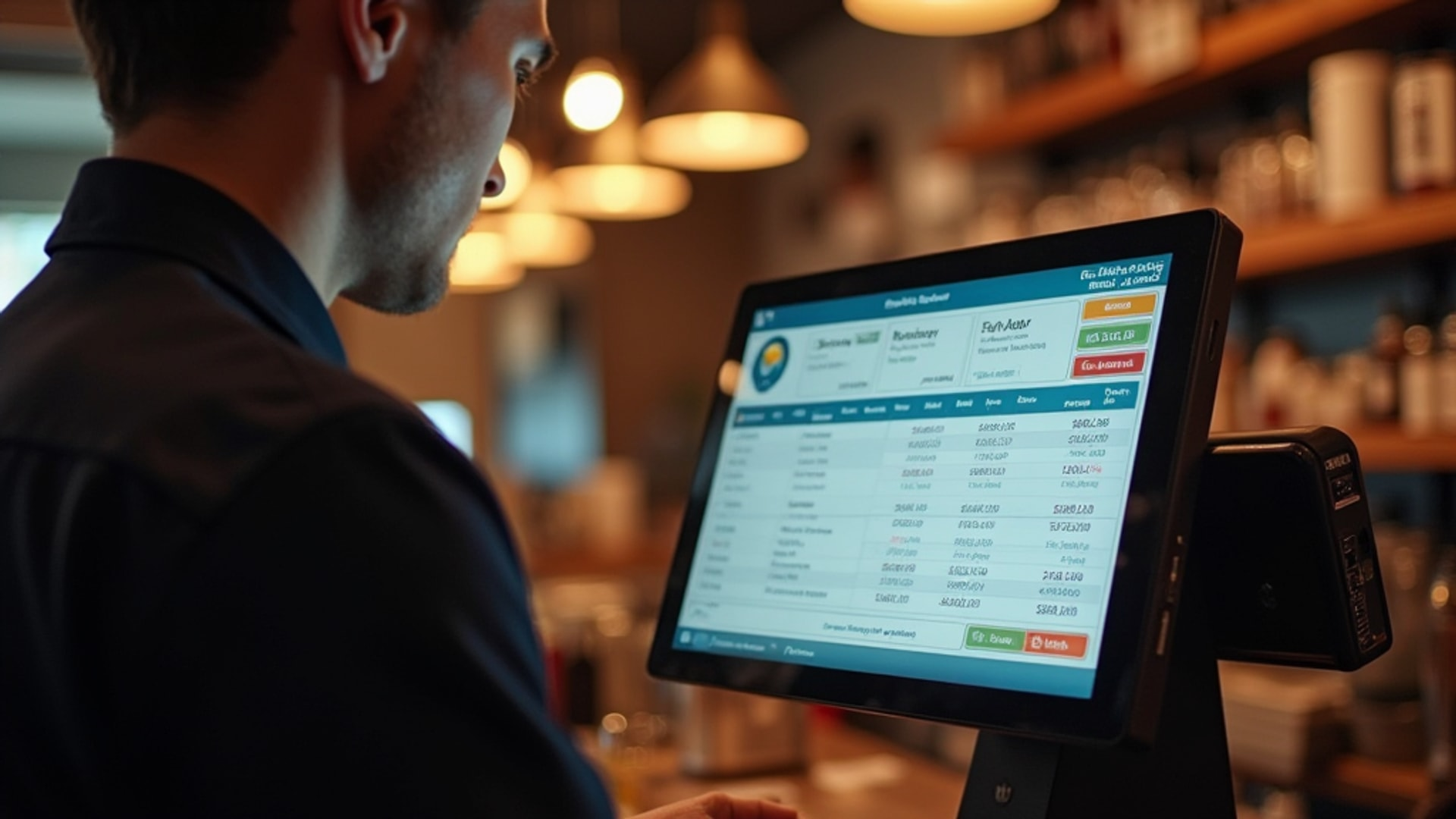
Modern POS platforms export daily sales reports automatically via email or into integrated dashboards.
→ Read more: Restaurant Accounting Software: QuickBooks, Xero, and Industry-Specific Tools Compared Connected scheduling and labor systems add labor hours and cost. Accounting platforms with POS integration reconcile sales against deposits automatically. When the system works as designed, the daily report should require manager review time — not manager data entry time.
The Weekly Rhythm: Turning Daily Data into Decisions
Daily reporting accumulates into weekly summaries that enable trend analysis. Restaurant Accounting Services recommends maintaining a weekly summary that aggregates daily data, presents week-to-date and month-to-date totals, and provides variance analysis against prior year and against budget.
The weekly review meeting — even for a single-location operator with no formal management team — should cover:
- Revenue performance versus last week and last year
- Current period food cost against target (adjusting for any significant inventory discounts or spoilage events)
- Labor cost against schedule and against revenue
- Any exceptions flagged in the daily system that require follow-up
This 30-minute weekly review is where the data converts to decisions. The daily system keeps you aware. The weekly rhythm is where you act.
Leading vs. Lagging Indicators
Databox makes a distinction that separates sophisticated operators from reactive ones: the difference between leading and lagging indicators in restaurant financial reporting.
Lagging indicators show what already happened: net profit, monthly food cost percentage, actual labor cost. These are important but backward-looking. By the time you see a lagging indicator problem, you cannot undo the days or weeks that created it.
Leading indicators predict what is about to happen: daily sales pacing relative to forecast, labor scheduled relative to projected sales, food ordered relative to projected covers. Monitoring leading indicators allows you to adjust before the variance becomes a financial problem.
The most effective daily reporting systems include both. Lagging indicators keep score. Leading indicators drive behavior that changes the score.
Build the system. Run it daily. Review the exceptions. Meet weekly to act on what you find. This discipline — consistently executed — is the operational difference between operators who discover problems and operators who prevent them.
→ Read more: 10 Financial KPIs Every Restaurant Owner Must Track
→ Read more: Restaurant P&L Statements: How to Read, Build, and Use Your Most Important Financial Report