· Starting a Restaurant · 9 min read
Building Your Restaurant Technology Stack: Systems to Set Up Before You Open
The technology decisions you make before opening become the operational foundation you live with for years — choose systems that integrate cleanly and scale with you, not just the cheapest option that works today.
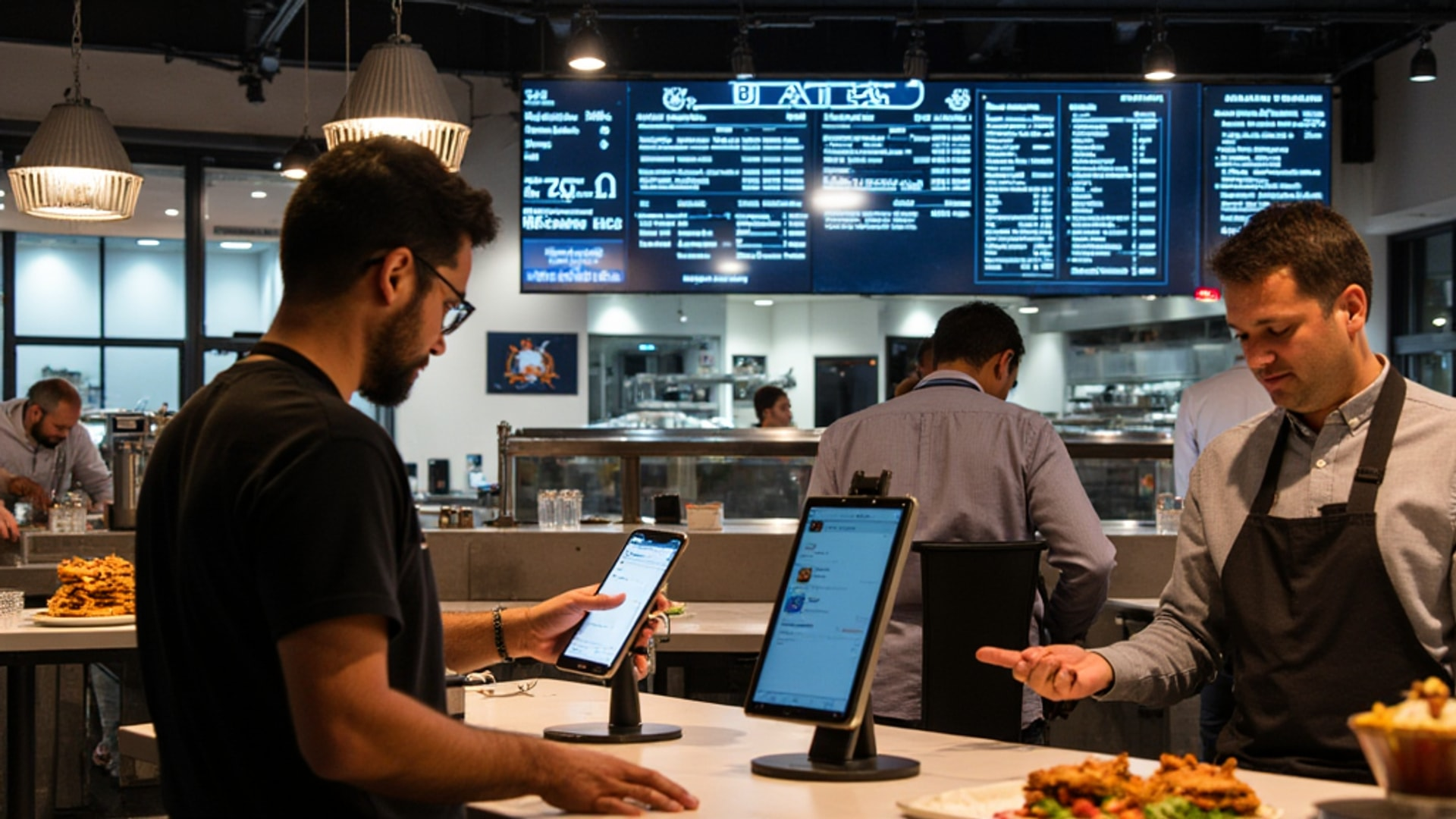
Restaurant technology decisions made before opening set the operational architecture for everything that follows. A POS system chosen for its low monthly fee but lacking kitchen display or accounting integration creates manual workarounds that cost staff time every day for years. An inventory management system that does not talk to the POS means someone is manually entering data somewhere, which means data that is always slightly wrong.
The goal is not to buy the most technology — it is to build a connected set of tools that makes your operation more efficient than it would be without them, with data flowing automatically between systems rather than being re-entered by hand.
According to Restolabs’ restaurant technology guide, a well-integrated tech stack transforms isolated processes into a self-optimizing system. The value comes from integration between systems rather than the sophistication of any individual tool. That architectural principle should drive every technology decision you make before opening.
The POS System: Your Central Hub
The Point of Sale system is the non-negotiable center of your tech stack. Every other system should connect to it or receive data from it, because the POS captures the most fundamental business intelligence: what was sold, when, to whom, at what price, and processed by which employee.
Tech.co’s 2026 POS comparison identifies the major players and their ideal use cases:
Square for Restaurants targets small to medium-sized restaurants scaling up. Its accessible pricing — including a free tier for basics — makes it attractive for restaurants with tight startup budgets. The interface is clean and minimizes training time. Advanced features require paid plans, and the feature depth is not as strong as restaurant-specific platforms.
Toast is designed exclusively for restaurants and shows it. Kitchen display systems, online ordering integration, detailed menu management, and the full operational feature set are built by people who understand the restaurant industry. Toast’s hardware ecosystem is more closed than Square’s, and the pricing is higher, but operators who need restaurant-specific depth get it.
Clover differentiates through hardware durability. For restaurants where hardware longevity matters — high-volume environments, outdoor service areas, rough daily handling — Clover’s physically robust terminals justify the premium.
Lightspeed Restaurant is the choice for operators who prioritize business analytics and detailed inventory management. Its reporting capabilities go deeper than most competitors, which matters for multi-concept operators or those who make data-driven menu engineering decisions.
TouchBistro is well-suited for iPad-based operations with strong table management. Its offline functionality is particularly valuable for restaurants where WiFi reliability is a concern.
Selection criteria to evaluate before deciding:
Cost is multi-dimensional. Look at initial hardware costs, monthly subscription fees, per-transaction fees, and add-on charges for specific features. A system with low monthly fees but high transaction fees may cost more than one with higher monthly fees at your anticipated transaction volume.
Integration capability is more important than any individual feature. Ask specifically: Does this system have a certified integration with [your accounting software]? With [your inventory management platform]? With [your payroll system]? Request the integration list and verify, not the sales pitch version but the actual technical documentation.
Customer support quality becomes critical the first time the system fails during a Saturday dinner rush. Ask what the support model is: phone, chat, or email? 24/7 or business hours? What is the average response time? Talk to current customers if possible.
Accounting Software: Connect It to the POS
Toast’s accounting guide positions POS-accounting integration as the foundational technology decision after choosing the POS itself. When these systems communicate in real time, every sale is automatically recorded with accurate categorization, tax calculations, and payment method tracking. This eliminates the manual data entry that creates errors and delays.
For most independent restaurants, the practical accounting software options are:
QuickBooks Online integrates with most major restaurant POS systems and is familiar to most accountants and bookkeepers. The learning curve is manageable, and the ecosystem of accountants who know it reduces the cost of outside financial help.
Restaurant365 is built specifically for restaurants, combining accounting, inventory management, and scheduling in one platform. The restaurant-specific chart of accounts and food cost tracking are advantages, though the price point is higher than general-purpose accounting software.
Sage Intacct is better suited for multi-unit operators or concepts that anticipate rapid growth, offering more sophisticated multi-entity reporting.
Toast’s guide recommends accrual accounting over cash-basis for restaurants. Under accrual, expenses are recorded when incurred and revenue when earned, which provides a more accurate picture of the restaurant’s actual financial position. The weekly financial review cadence — not just monthly — gives faster feedback on food cost trends, labor cost percentages, and sales patterns that allow timely adjustments.
Inventory Management
Inventory management is the most controllable cash flow lever available to restaurant operators. Crestmont Capital’s working capital guide puts it plainly: food inventory purchased but not sold within its shelf life represents pure waste of working capital. Over-ordering ties up cash in perishable assets that spoil before use.
An inventory management system should:
- Track ingredient usage rates against actual sales (pulled from POS)
- Generate ordering recommendations based on par levels and current inventory counts
- Identify variance between theoretical food cost (what the recipe says) and actual food cost (what you actually spent)
- Alert when specific items are running low
The variance analysis between theoretical and actual food cost is where significant money hides. If your burgers theoretically cost $3.50 to make but you are actually spending $4.15 per burger in food cost, something is wrong — portion size inconsistency, waste, theft, or incorrect recipe costing. Without a system tracking both numbers, you only discover the variance when the monthly P&L disappoints.
Online Ordering and Delivery Platforms
Restolabs’ guide notes that online ordering platforms should integrate with the POS to avoid manual re-entry of orders. When delivery orders from DoorDash, Uber Eats, and Grubhub flow directly into the kitchen display or POS as if they were in-house tickets, the operational overhead of third-party delivery is minimal. When orders have to be manually transferred, the overhead is significant and error rates increase.
Third-party delivery platforms take commissions ranging from 15 to 30 percent per order, which substantially compresses margins on delivery orders. Many operators maintain third-party platforms for discovery but invest in direct online ordering infrastructure — through the POS or a dedicated platform like ChowNow or Olo — that allows repeat customers to order without the commission overhead.
Configure your online ordering and delivery platforms as part of the pre-opening tech setup. Ensure menu information, pricing, and hours match your in-house menu exactly. Inconsistencies between delivery platform menus and your actual menu create customer complaints and operational confusion.
Kitchen Display Systems
Kitchen display systems (KDS) replace paper tickets with screen-based order display in the kitchen. Restolabs identifies KDS as a replacement for paper tickets that improves order accuracy and timing. The specific advantages:
- Orders appear simultaneously at all relevant stations instead of requiring a ticket to be physically passed
- Order timing is tracked, with visual alerts when tickets are aging beyond acceptable time windows
- Modifications and special requests appear clearly and cannot be misread
- Integration with the POS means no re-entry of order information in the kitchen
For high-volume concepts, KDS is a significant operational upgrade. For simpler concepts with low ticket complexity, paper tickets or a printed remote printer may be adequate.
Employee Scheduling and Labor Management
Restolabs notes that employee scheduling and labor management tools optimize staffing costs. Labor is typically the second-largest expense category for restaurants, often running 25 to 35 percent of total sales. Tools that match staffing levels to projected demand — using historical POS data to forecast busy and slow periods — reduce both overstaffing (wasted labor cost) and understaffing (service quality degradation).
Platforms like 7shifts, Homebase, or When I Work provide scheduling templates, time-off request management, shift swapping workflows, and actual-versus-scheduled labor reporting. Integration with payroll systems reduces the manual data entry associated with processing hours into pay.
Customer Relationship Management and Loyalty
CRM and loyalty systems drive repeat business through personalized marketing. Restolabs positions these as tools that capture customer data to enable targeted promotions and personal outreach. A loyalty program that tracks visit frequency and spending allows the restaurant to identify and reward high-value customers, segment the customer base for targeted promotions, and measure marketing ROI against actual purchase behavior.
The POS integration is essential here too. Loyalty points, redemptions, and customer visit data should flow through the same system that processes every transaction, not through a disconnected system that creates a fragmented customer record.
The Architecture Decision: All-in-One vs. Best-of-Breed
Restolabs frames the all-in-one versus best-of-breed architecture decision clearly. All-in-one platforms offer simplicity and guaranteed integration between components but may provide mediocre performance in specific areas. Best-of-breed architectures select the strongest tool for each function and connect them through APIs, providing superior capabilities in each area but requiring more careful integration management.
For a first restaurant with limited operational complexity, an all-in-one platform simplifies the management overhead. For a restaurant with complex inventory needs, significant third-party delivery volume, or plans for multi-unit expansion, a best-of-breed approach that selects the right tool for each function produces better outcomes.
Whichever architecture you choose, select systems with robust APIs and documented integration capabilities. Technology evolves, business needs change, and a tech stack built on open integration standards is far easier to update than one built on proprietary, closed systems.
Implementation Timeline
Technology setup belongs in the 60-to-90 day pre-opening window, not the final two weeks.
The POS configuration — menu entry, pricing, modifier setup, staff permissions, printer routing, and kitchen display configuration — takes longer than most operators anticipate. A full-service restaurant with a 60-item menu and complex modifier structures may require 10 to 20 hours of configuration work before the system is ready for training.
Staff training on the POS and any customer-facing technology needs to happen before the soft opening, not during it. Servers who are learning the POS during the first week of real service create slower tickets, more errors, and a worse customer experience. Train until the system is as invisible as possible — the goal is staff who are thinking about hospitality, not about how to process a split check.
→ Read more: Restaurant Opening Timeline: From Concept to First Customer
→ Read more: Kitchen Technology: KDS, IoT Monitoring, and Smart Energy Systems
The soft opening is your technology integration test. Every connection between systems — POS to kitchen display, online ordering to POS, inventory to purchasing — needs to be verified under real operating conditions before the grand opening. Failures discovered during the soft opening are learning opportunities. Failures discovered during the grand opening are reputation events.